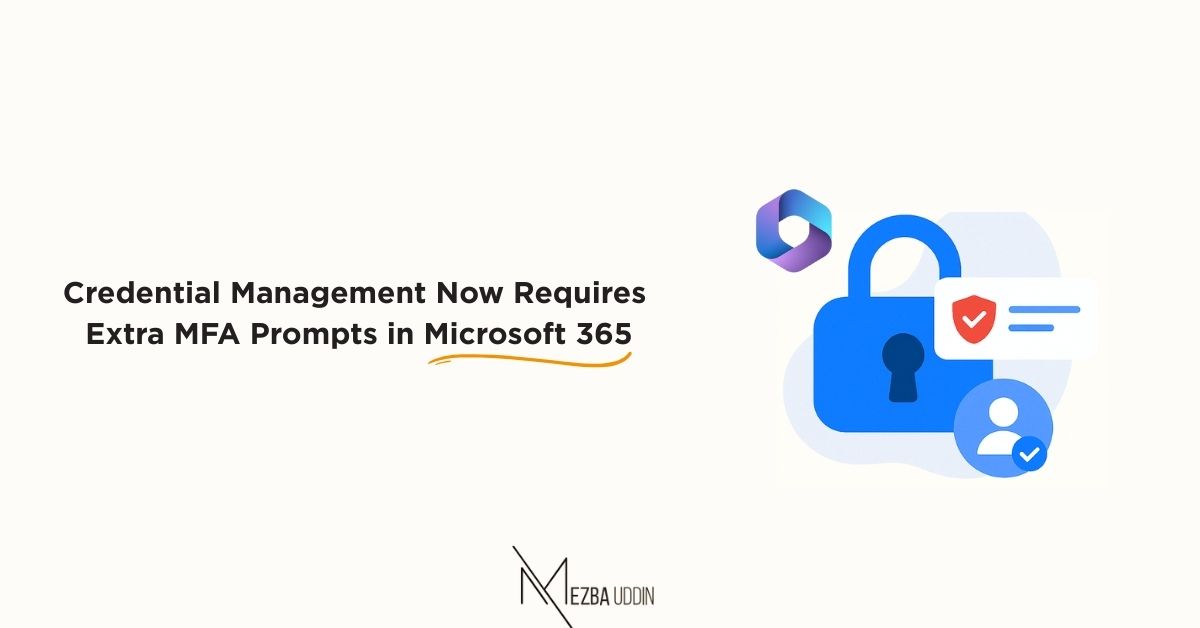
Get ready to re-authenticate more often when performing sensitive actions like managing credentials in Microsoft 365.
As of August 15, 2025, Microsoft introduced an additional layer of protection:
👉 When managing credentials or accessing My Sign-ins (https://lnkd.in/ex9FVMJn), users must complete multi-factor authentication (MFA) if they haven’t authenticated in the 𝐥𝐚𝐬𝐭 10 𝐦𝐢𝐧𝐮𝐭𝐞𝐬 of their session.
By tightening the authentication window, Microsoft is cutting down the risk of unauthorized access, even if a session gets hijacked.
Yes, it might feel like “one more prompt,” but every re-authentication is a wall between your identity and a potential breach.
Security isn’t always convenient, but it’s always worth it.