
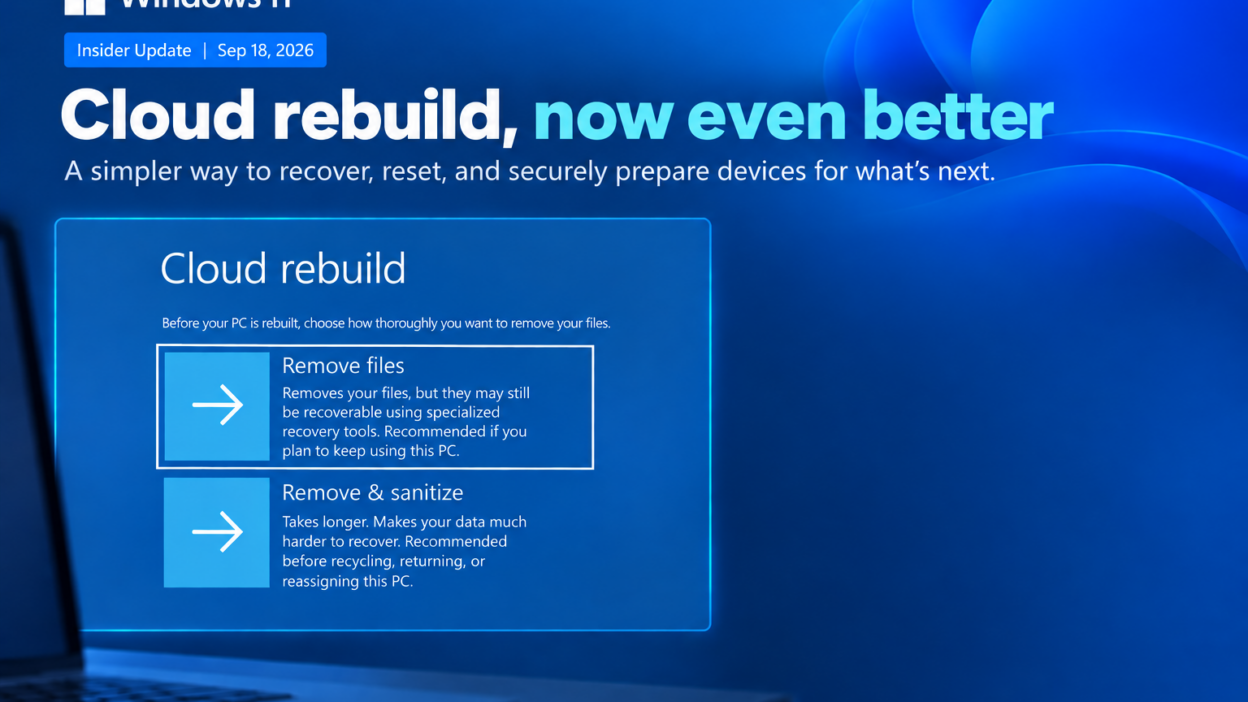
Cloud rebuild was already useful for Windows recovery. The latest update makes it much more relevant for IT admins.
The latest Windows 11 Insider build 26340.9502 adds two capabilities that extend Cloud rebuild beyond a basic OS reinstall.
What’s New in Windows 11 Cloud Rebuild?
Secure Drive Sanitization
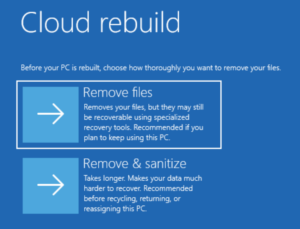
The existing Remove files option removes the data, but Microsoft notes that it may still be recoverable using specialized recovery tools.
The new Remove & sanitize files option uses the storage hardware’s erase capability to sanitize the drive before Windows is reinstalled.
This is particularly useful when a device is being returned, recycled, or reassigned.
One important detail: sanitization is irreversible, and its effectiveness depends on the capabilities of the underlying storage hardware.
Remote Cloud Rebuild
This is the part I find more interesting from an endpoint-management perspective.
IT admins can now configure and trigger Cloud rebuild remotely through the Recovery CSP, rather than requiring someone to manually start the process from WinRE.
Admins can also specify a target Windows build, giving them more control over the state of the rebuilt device.
Together, these changes make Cloud rebuild useful for remote remediation, secure offboarding, device reassignment, and standardized rebuilds.
A Limitation to Keep in Mind
This is currently an Insider Preview capability, so the implementation may change before it reaches production.
For me, the interesting part isn’t simply that Windows can reinstall itself from the cloud.
It’s that Microsoft is bringing recovery, drive sanitization, remote management, and device reprovisioning closer together in a single workflow.