
First Conditional Access. Now Lifecycle Workflows.
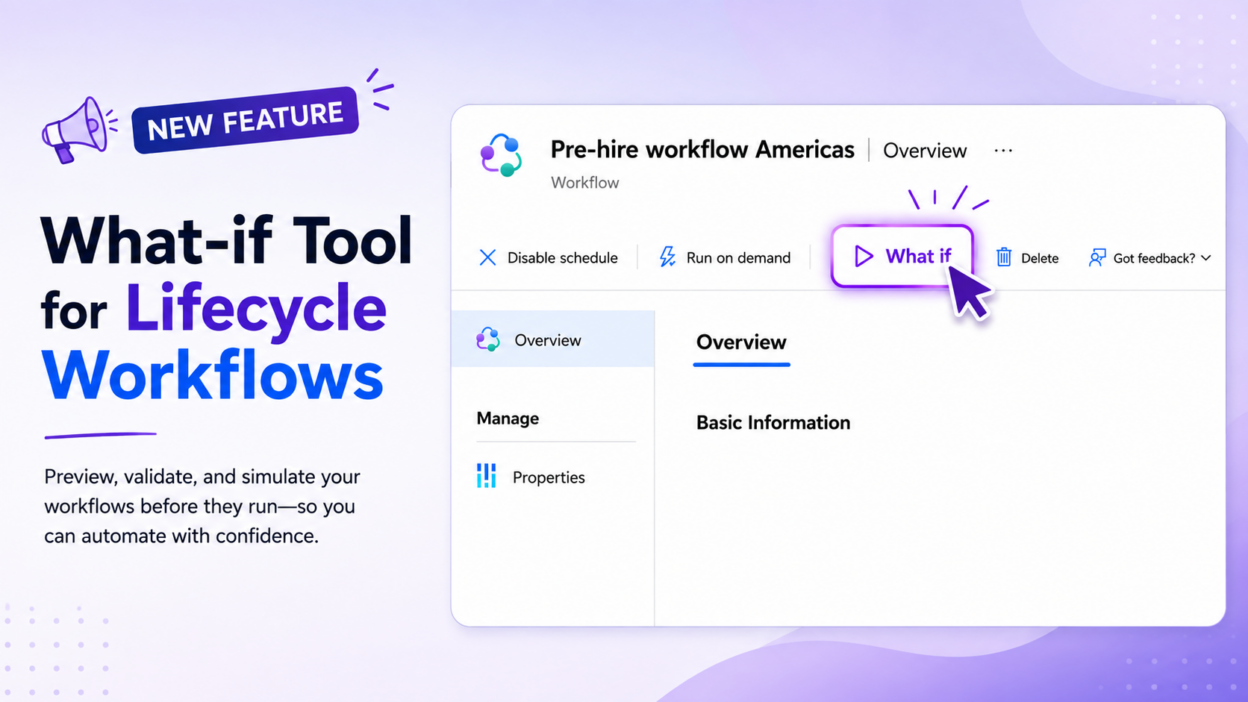
Microsoft has announced the What-if Tool for Lifecycle Workflows too.
Conditional Access has had its What If tool for years to test how policies evaluate for a specific user, app, location, and other sign-in conditions before enforcing a policy that could unexpectedly block access.
Now, Lifecycle Workflows gets a similar capability for identity lifecycle automation. The new What-if tool lets admins check:
- Who is actually in scope? See which users currently meet the workflow’s execution conditions.
- What could fail? Identify workflow tasks that may fail based on the current configuration.
- What would the execution look like? Select up to 10 users and simulate the workflow without actually processing them.
The last capability is particularly useful when workflows automate actions across onboarding, employee movement, or offboarding. You can validate the expected behavior with a small set of users before letting the workflow execute more broadly.
There is an important limitation, though: the What-if tool currently doesn’t support workflows triggered by attribute changes or group membership changes.
But conceptually, this is a useful evolution in the Entra admin experience. Before you let an identity policy make a decision or an automation take an action, ask “What if?” first.