
𝐌𝐢𝐜𝐫𝐨𝐬𝐨𝐟𝐭 𝐓𝐞𝐚𝐦𝐬 𝐢𝐬 𝐜𝐡𝐚𝐧𝐠𝐢𝐧𝐠 𝐡𝐨𝐰 𝐲𝐨𝐮𝐫 𝐟𝐢𝐥𝐞𝐬 𝐨𝐩𝐞𝐧 𝐛𝐲 𝐝𝐞𝐟𝐚𝐮𝐥𝐭!
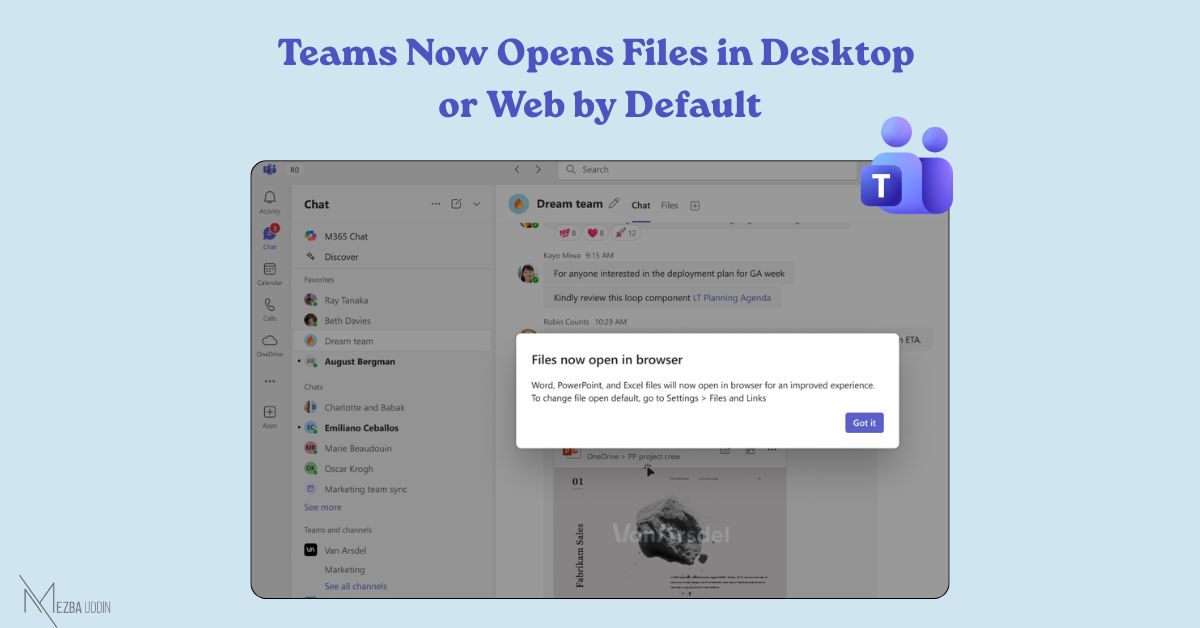
Word, Excel, and PowerPoint files will now open in the Desktop app or Web app instead of inside Teams.
This change is based on improving file reliability and aligning with common user workflows across Microsoft 365.
If you had previously set Teams as your default, it will automatically switch; but you can change it back anytime from Teams settings.
This update applies to users who had chosen Teams as their default file opening option.
Users will also see a first-run prompt when this change takes effect, explaining the new default and giving them the option to adjust it.
🗓️Rolling out globally from early May to mid-May 2026.