
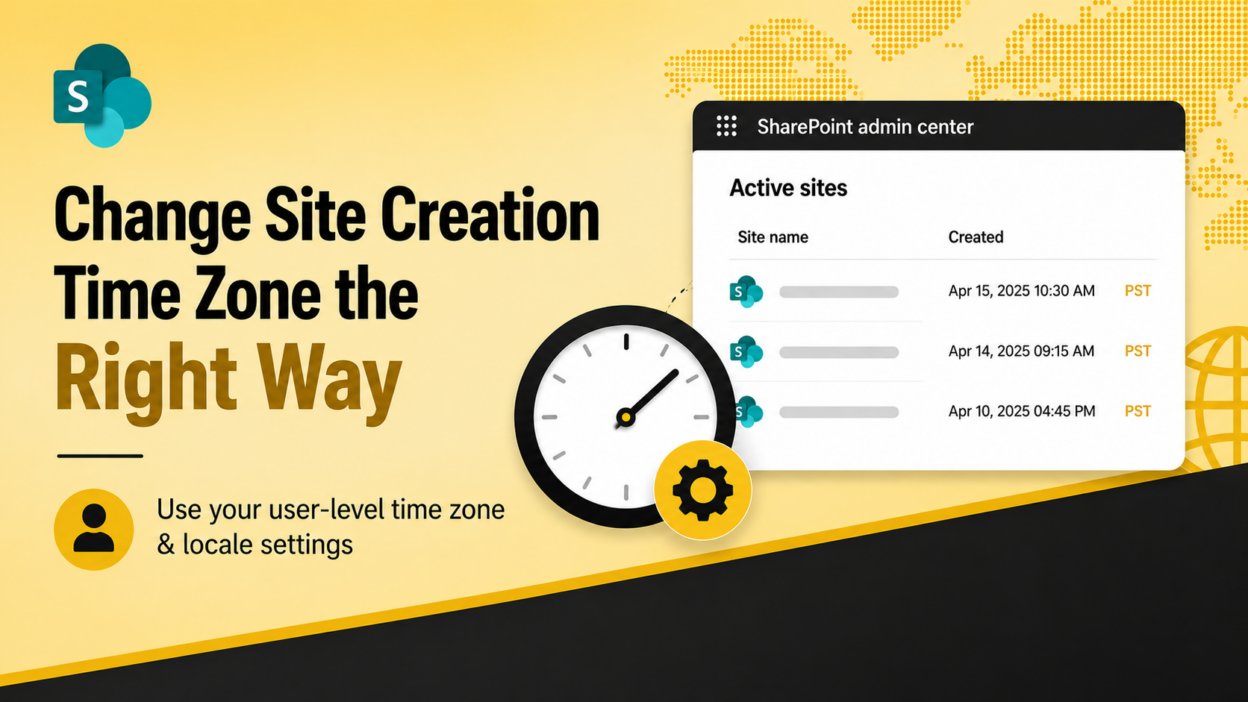
SharePoint admin tip: Be careful when changing the time zone in the SharePoint admin center.
The admin center uses its regional settings when new SharePoint sites are created. If you change that time zone later:
- Existing sites retain their original time zone for creation timestamps.
- Newly created sites inherit the updated time zone.
- The ‘Active sites’ page can therefore show creation times based on different time zones, making timestamps harder to interpret consistently.
If your goal is only to change how site creation times are displayed to you as an administrator, Microsoft recommends using your user-level time zone and locale settings instead of changing the SharePoint admin center’s regional settings.
This keeps the display preference at the user level without changing the time zone that newly created SharePoint sites inherit.
One more thing: if your organization enforces tenant-level regional settings, personal settings may be overridden. Changes can also take a few minutes to propagate across Microsoft 365 services.
More details: https://learn.microsoft.com/en-us/sharepoint/caution-changing-time-zone-sharepoint-admin-center