
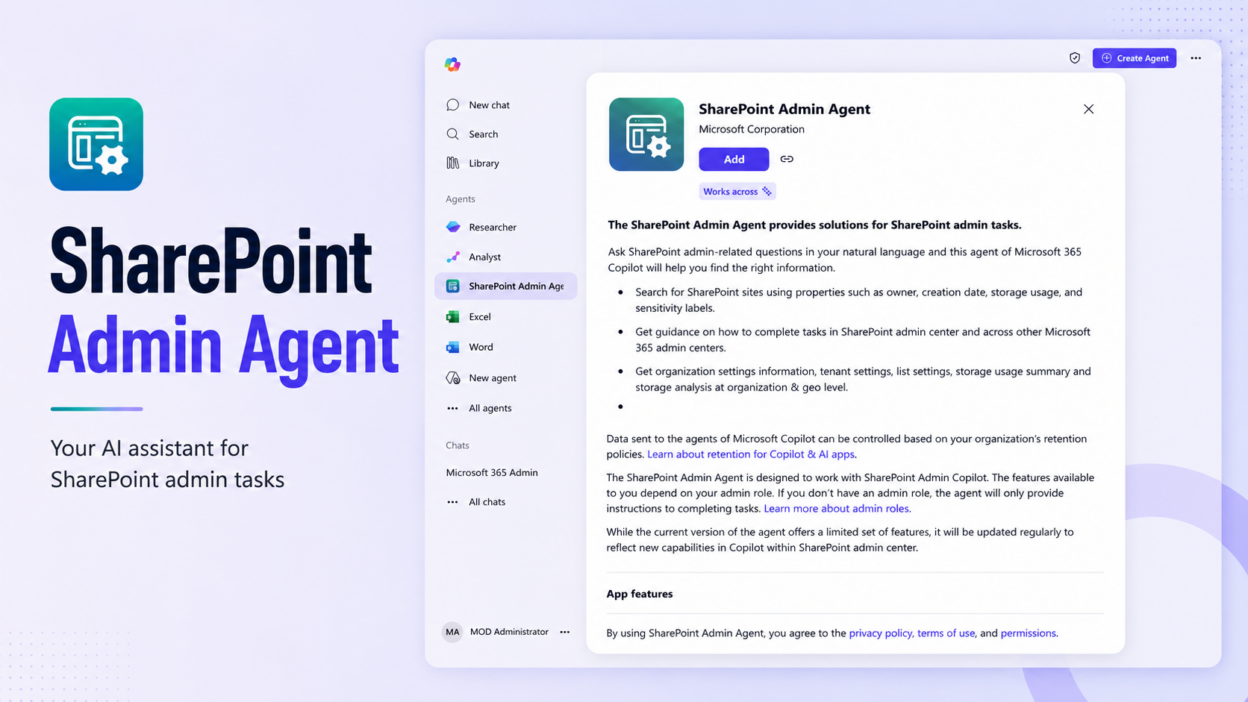
Use the SharePoint Admin Agent for a conversational way to assess governance posture and investigate risks across SharePoint and OneDrive.
Rather than navigating multiple reports to piece together the state of the environment, admins can query SharePoint Advanced Management (SAM) governance data using natural language. The agent is accessible through Microsoft 365 Copilot, the SharePoint admin center, and Teams.
You can ask questions such as:
- Which sites are overshared, and what are their risk levels?
- Which sites have low activity?
- How is content distributed across the tenant?
- What recovery options are available for SharePoint and OneDrive sites?
- Is Baseline Security Mode enabled?
The agent gathers the relevant governance data, analyzes it against your environment, and returns recommendations with suggested next actions, rather than a static report you have to interpret yourself.
Its capabilities span four key governance areas:
- Content sprawl: Catalog management and content distribution
- Site lifecycle: Site ownership policy, inactive sites policy, site attestations, and Microsoft 365 Archive
- Oversharing and access exposure: Data Access Governance reports, Restricted Access Control, and Restricted Content Discovery
- Content resilience: Baseline Security Mode, Microsoft 365 Backup, and version history
An important distinction is that the agent is not a new governance detection layer. Its responses are grounded in existing SAM capabilities and data. The change is primarily in how administrators interact with that information: governance signals previously surfaced through individual reports and management experiences can now be investigated conversationally.
Prerequisite: The organization requires SharePoint Advanced Management, and administrators using the agent must be assigned the SharePoint Advanced Management Administrator role in Microsoft Entra ID.
https://learn.microsoft.com/en-us/sharepoint/content-governance-agent