
I’ve always wanted to disable just one Security Defaults protection without turning off the entire baseline.
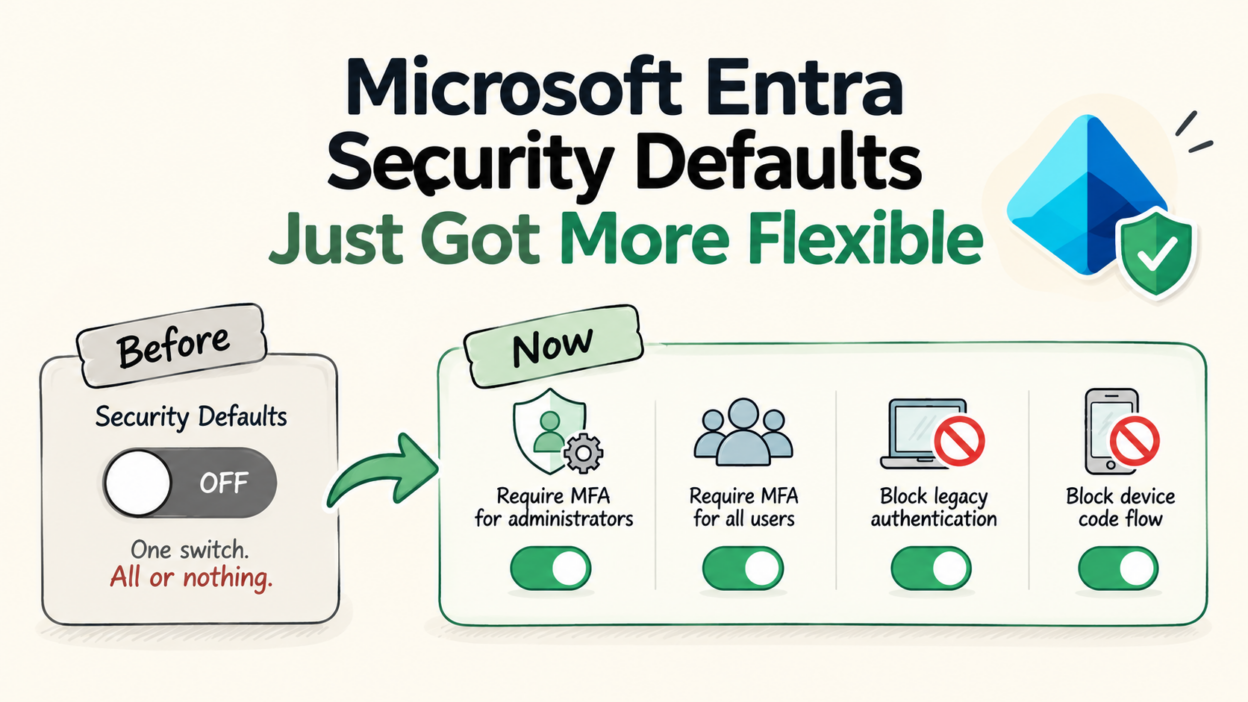
But until now, Security Defaults worked like a single switch. Turning it off could mean losing several important baseline protections to accommodate one specific requirement.
That flexibility is finally getting attention. Microsoft is introducing four individually managed security rules in Microsoft Entra ID. We can manage the below policy defaults separately.
- Require MFA for administrators
- Require MFA for all users
- Block legacy authentication
- Block device code flow
What I like most about this change is the flexibility. Instead of turning off the entire Security Defaults baseline to address one specific need, we can manage each protection individually. The updated approach also supports using custom Conditional Access policies alongside the baseline protections.
The new experience is in private preview for selected Microsoft Entra ID Free tenants. I’m looking forward to trying this out in my own tenants!