
Cloud Sync has been gradually taking on more of the capabilities organizations have traditionally relied on Microsoft Entra Connect Sync for.
Its latest addition: Device synchronization.
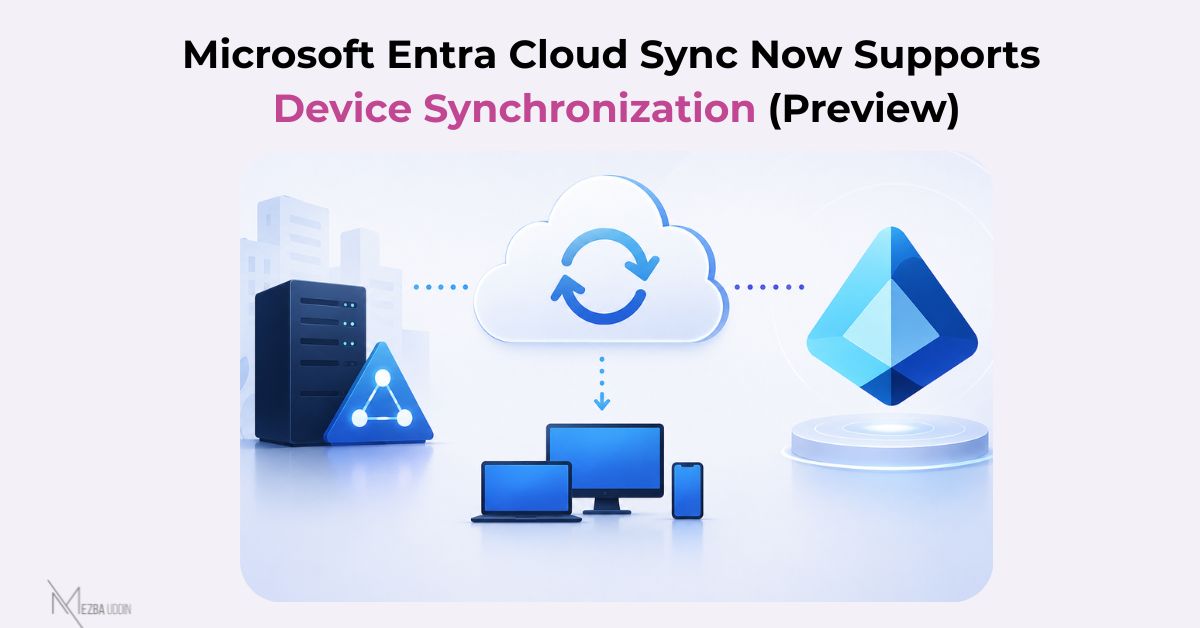
Microsoft has introduced a new AD2AADDeviceSync synchronization job in Microsoft Entra Cloud Sync. It synchronizes Active Directory computer objects to Microsoft Entra ID, enabling those devices to become Microsoft Entra hybrid joined.
For organizations already using Cloud Sync for identity provisioning, this extends its capabilities beyond users and groups to include device objects as well.
Before enabling it, there are a few prerequisites:
- Install Microsoft Entra Provisioning Agent v1.1.1107 or later.
- Have an existing Active Directory to Microsoft Entra ID Cloud Sync configuration.
- Configure a Service Connection Point (SCP) in each Active Directory forest containing domain-joined devices.
- Enable Device Sync in your existing Cloud Sync configuration using an account with the Hybrid Identity Administrator role.
A few additional things worth noting:
- Device synchronization is disabled by default.
- Individual devices can be provisioned on demand, and the AD2AADDeviceSync job can also be created and managed through Microsoft Graph.
- If a synchronized device is deleted, Microsoft documents multiple recovery options, including restoring the deleted device or reprovisioning it from Active Directory.
The capability is currently available as a Preview feature, so if you’re evaluating a move toward Microsoft Entra Cloud Sync, this is another addition worth testing in your hybrid identity environment.