
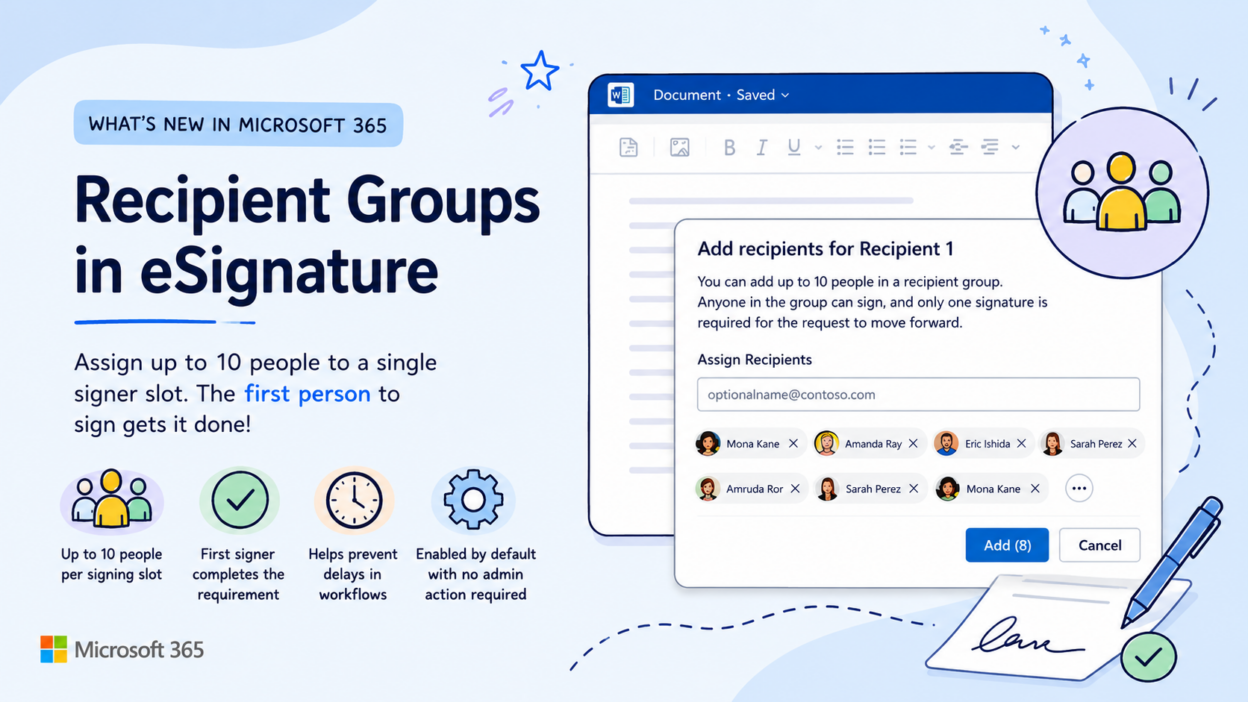
eSignature workflows in Microsoft 365 are gaining a useful enhancement with the introduction of Recipient Groups.
The new capability allows users to assign up to 10 recipients to a single signer slot in an eSignature request.
Instead of depending on a specific individual to complete the signing action, any member of the designated group can sign the document. Once the first recipient signs, the signing requirement for that recipient slot is automatically satisfied, and the workflow continues.
eSignature Recipient Groups
This change addresses a common operational challenge in which document execution is delayed when a designated signer is unavailable. By introducing group-based signing logic, organizations can provide backup signers without redesigning existing approval processes.
- Assign up to 10 recipients to a single signing step
- First signer fulfills the recipient group’s requirement
- Reduces stalled signature and approval workflows
- Preserves existing tenant policies and controls
- Enabled by default with no administrative configuration required
Rollout is scheduled to begin in September 2026 and be completed by the end of the month. The update is particularly relevant for legal, procurement, HR, finance, and other teams that rely on time-sensitive document approval workflows.