
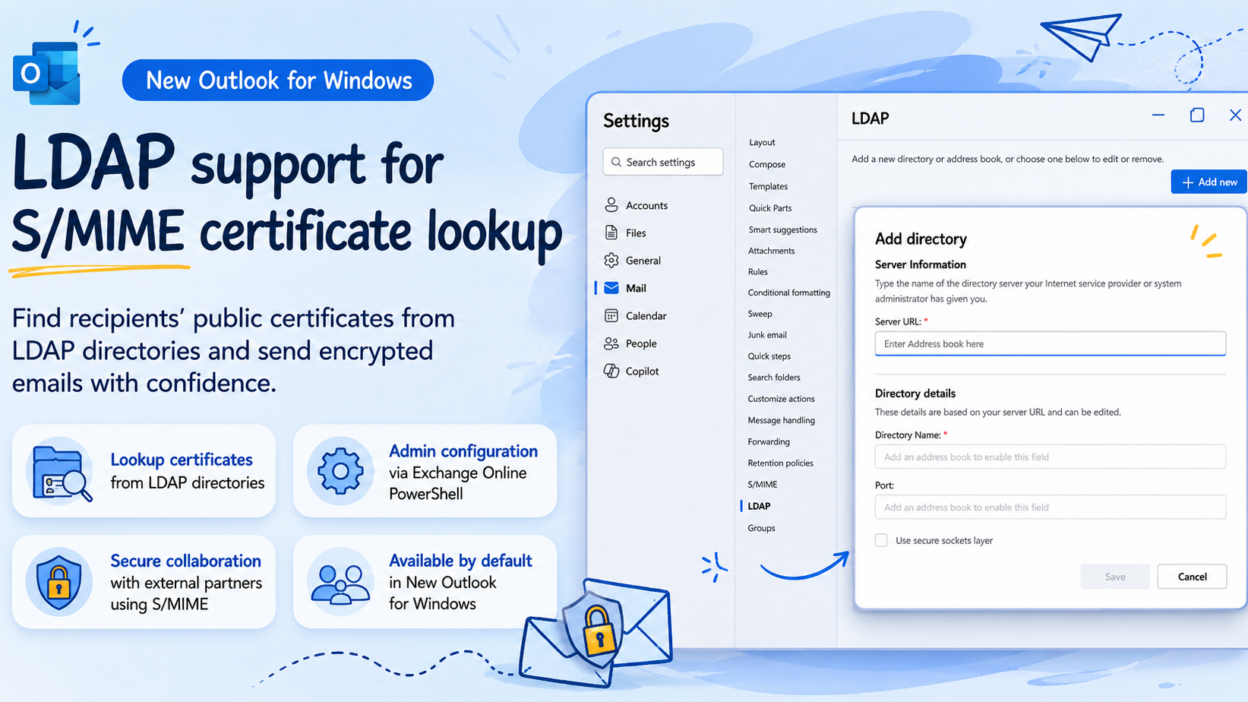
Introducing LDAP Support for S/MIME Certificate Lookup in New Outlook for Windows
Until now, retrieving recipient encryption certificates for S/MIME scenarios has often required additional manual processes. With this update, Outlook can now look up recipients’ public S/MIME certificates directly from configured LDAP directories when composing encrypted emails.
- Send encrypted emails to external recipients more seamlessly
- Support for organization-managed and user-added LDAP directories
- Certificate discovery directly from the To field during email composition
- Admin configuration through Exchange Online PowerShell
A few things to note:
- LDAP directories can be registered using Add-LdapDirectory in Exchange Online
- LDAP endpoints must allow anonymous access — authentication isn’t supported currently
- The feature is enabled by default once available
- Applies to New Outlook for Windows only (not classic Outlook)
This is for organizations that depend on partner directories or external PKI ecosystems for secure communication.