
The strongest control available was to detect these bots and send them to the lobby for organizer approval.
But this still depends on a human making the right decision. In a busy meeting, a bot could easily be admitted along with other participants.
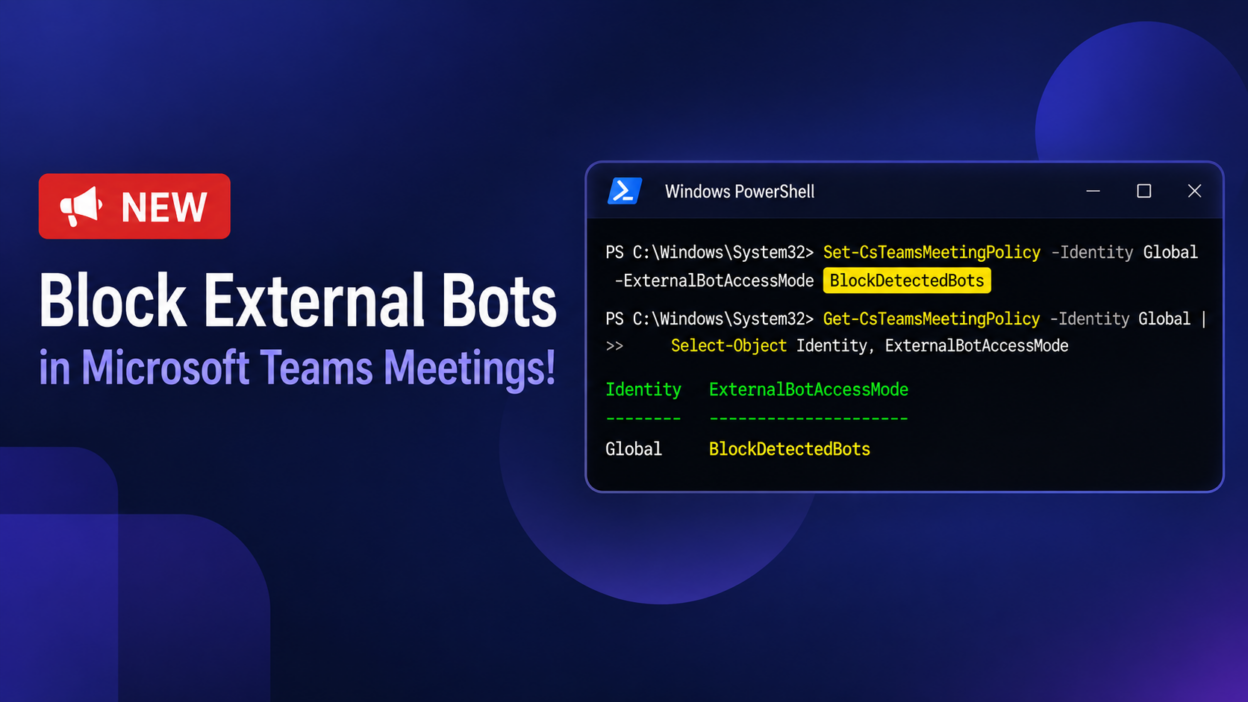
Teams just added a third value to ExternalBotAccessMode: BlockDetectedBots.
Admins can now configure the ExternalBotAccessMode setting to automatically block detected external bots from joining Teams meetings, without sending them to the lobby or requiring organizer action.
Set it the same way as always:
Set-CsTeamsMeetingPolicy -Identity -ExternalBotAccessMode BlockDetectedBots
This is scopable; run strict mode on legal, HR, and exec policies, and leave the rest on the lobby default.
📌This feature is off by default, so we need to explicitly configure the policy to enable bot blocking.