
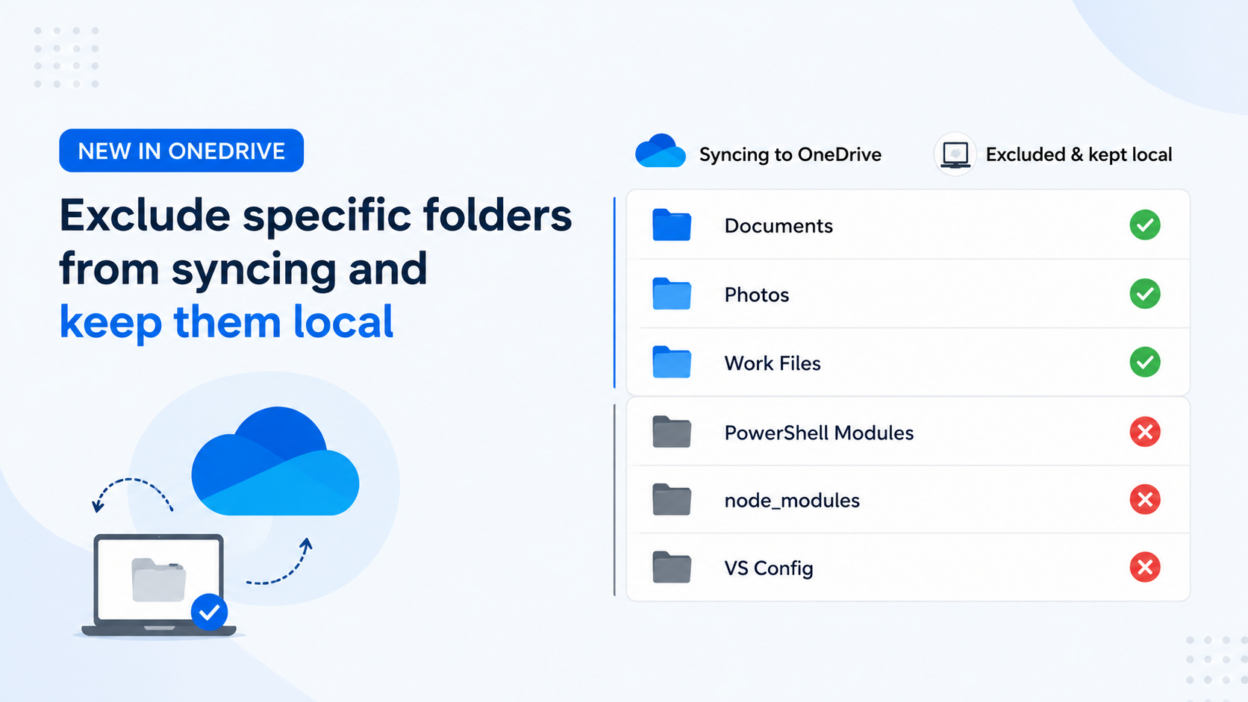
OneDrive is getting a useful update that lets us exclude specific folders from syncing while keeping them available locally on users’ devices.
Developers and IT admins often end up with the folders below inside OneDrive.
- 📂 node_modules
- 📂 PowerShell modules
- 📂 Visual Studio configuration folders
None of that needs to live in the cloud. It’s machine-specific, it’s disposable, and yet OneDrive has been faithfully syncing every byte of it, eating into storage quotas.
In August 2026, that changes. Admins will be able to define exclusion rules through Group Policy, and any folder matching those rules stays local. It never touches OneDrive cloud storage.
- The feature is off by default.
- Users have zero control here. This is entirely an admin-side setting, which honestly makes sense given the storage and governance implications.
- Existing synced folders won’t stop syncing automatically; they’ll need to be moved out of OneDrive manually after the policy is applied.
For organizations managing developer workstations or devices with machine-specific application data, this can really help reduce unnecessary cloud storage usage.
This doc will be updated with details about the new folder exclusion policy ahead of the August 2026 rollout.
https://learn.microsoft.com/en-us/sharepoint/use-group-policy