
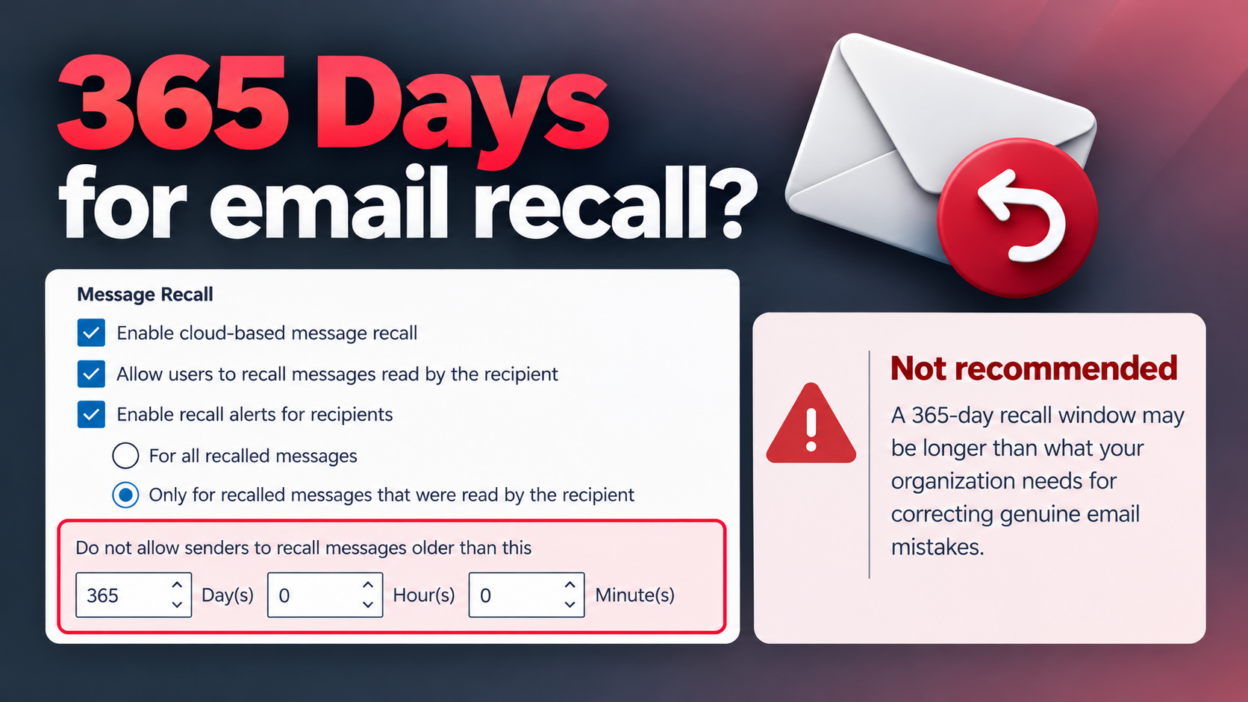
Would you allow users to recall an email for 365 days?
You may not expect it, but 365 days is the maximum recall period in Exchange Online.
At first, a longer recall window sounds useful. But after looking at how Message Recall actually works, I think this is one setting admins should review rather than simply accept.
Message Recall is an error-correction feature, not a compliance control. It’s built for situations like sending the wrong attachment or emailing the wrong recipient.
But as the recall window gets longer, we should stop and ask: How long do users actually need to correct an email mistake?
A 365-day window doesn’t make an organization more secure. And recall shouldn’t be treated as a way to completely erase an email after it has been sent.
It also doesn’t replace controls such as DLP, retention, eDiscovery, or other compliance mechanisms.
A sensible starting point could be to restrict recall to 1–5 days, long enough to fix a genuine mistake, but short enough that nobody mistakes it for a way to rewrite email history.
If this setting has been sitting at 365 days because it was never reviewed, review and update it based on your organization’s requirements.