
If you’ve ever tried cleaning up resource mailboxes in Exchange Online, you’ve probably hit the same problem: there’s no native report that shows which room or resource mailboxes are actually being used.
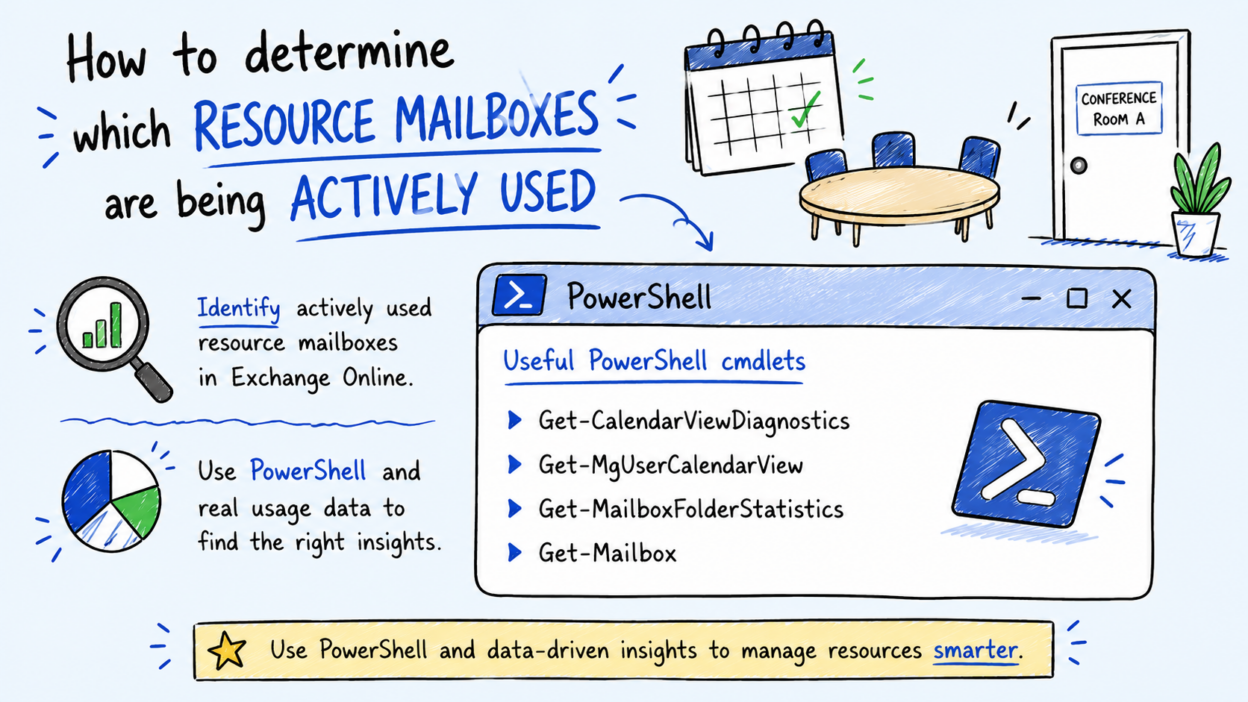
That means mailbox count alone doesn’t tell the full story. The better approach is to look at the calendar and folder activity through PowerShell to understand real usage patterns. Here are the cmdlets worth knowing:
- Get-CalendarViewDiagnostics: A strong starting point for usage analysis. Queries calendar activity across a time range so you can identify actual booking patterns and spot stale or inactive resources.
- Get-Mailbox -RecipientTypeDetails RoomMailbox: Enumerates all room mailboxes in the tenant. Typically used first to build the resource inventory before running deeper analysis.
- Get-EXOMailboxFolderStatistics: Returns folder-level counts and size metrics (including Calendar) to validate whether booking activity is actually happening.
- Get-CalendarDiagnosticObjects: Useful for investigating individual meeting issues, but not ideal for tenant-wide usage reporting because of the volume of diagnostic output.
No single cmdlet gives you a complete utilization view. The practical approach is combining Get-Mailbox to enumerate resources with Get-CalendarViewDiagnostics or Get-EXOMailboxFolderStatistics to measure activity, and then deciding upfront what “actively used” actually means in your tenant before acting on the data. Using this approach helps you:
- Identify underused or abandoned meeting rooms.
- Validate demand before making resource changes.
- Improve workspace and resource governance.
- Reduce unnecessary mailbox sprawl.
Learn how to use the cmdlets here: https://techcommunity.microsoft.com/blog/exchange/how-to-determine-which-resource-mailboxes-are-being-actively-used/4521577