
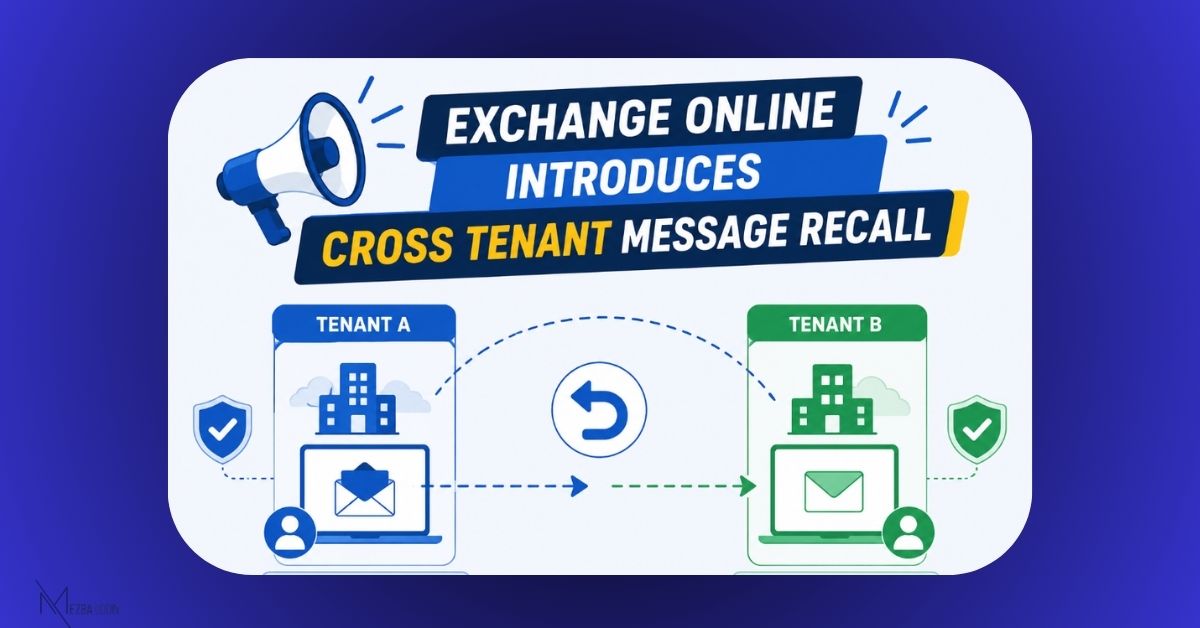
Exchange Online is expanding Message Recall with the introduction of 𝐂𝐫𝐨𝐬𝐬-𝐓𝐞𝐧𝐚𝐧𝐭 𝐌𝐞𝐬𝐬𝐚𝐠𝐞 𝐑𝐞𝐜𝐚𝐥𝐥.
Previously, message recall only worked within the same Microsoft 365 tenant. Soon, organizations can choose to extend this capability to trusted external tenants.
Here’s what you need to know:
- Only allow-listed Microsoft 365 tenants can recall messages sent to your users.
- Users get the same familiar recall experience as they do for messages recalled within their own organization.
- Recall attempts from tenants not on the allow list will automatically fail.
- Disabled by default.
Administrators can manage the feature using the 𝐒𝐞𝐭-𝐂𝐫𝐨𝐬𝐬𝐓𝐞𝐧𝐚𝐧𝐭𝐑𝐞𝐜𝐚𝐥𝐥𝐂𝐨𝐧𝐟𝐢𝐠𝐮𝐫𝐚𝐭𝐢𝐨𝐧 PowerShell cmdlet to:
➜ Enable or disable cross-tenant recall.
➜ Add or remove trusted tenant IDs from the allow list.
📅 Rolling out worldwide starting mid-August 2026.
Message ID: MC1423106
A long-requested capability that’s finally making its way to Exchange Online.