
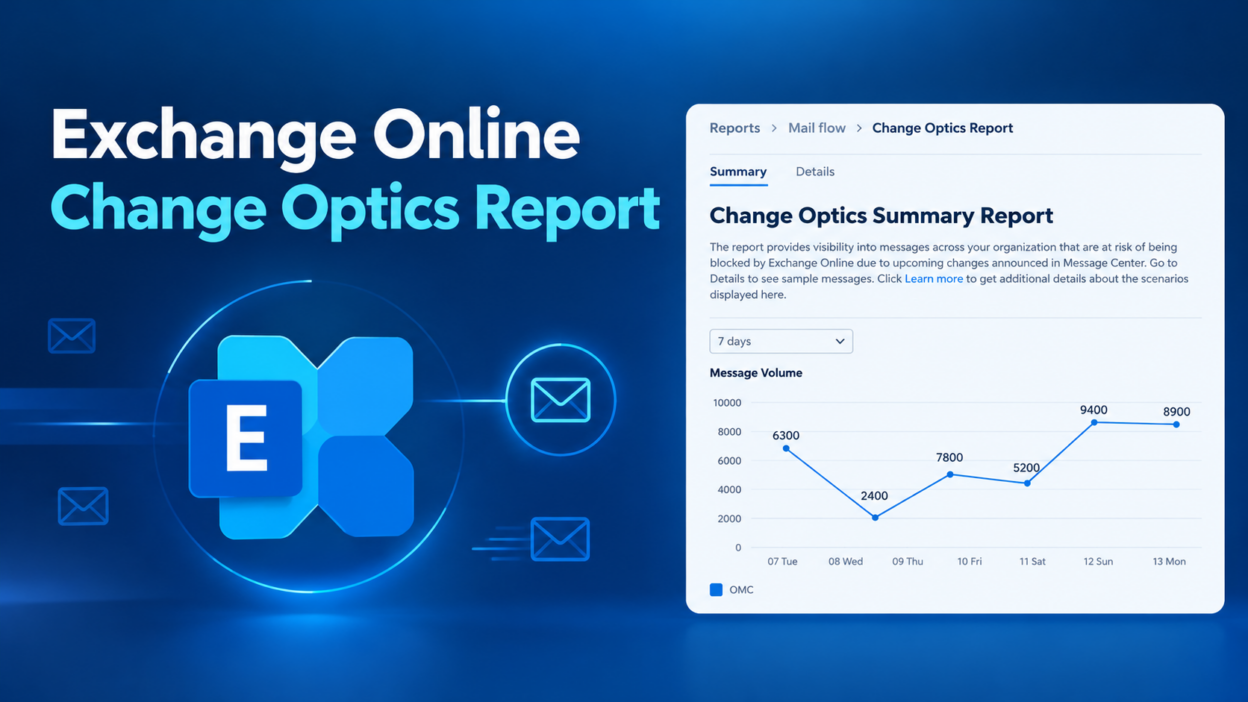
Whenever Microsoft announces a change that could affect how certain emails are sent or delivered, this report shows which parts of your tenant’s mail flow might be affected.
You can find it in the Exchange admin center under Reports > Mail flow > Change Optics Report.
The report identifies sample messages that match the characteristics of traffic expected to be affected by future Exchange Online changes.
At GA, the report includes two scenarios:
- Onmicrosoft.com external traffic (OMC): Helps administrators identify external email traffic sent using onmicrosoft.com addresses and investigate usage that could be affected by throttling.
- Direct Send traffic (DRS): Helps administrators identify Direct Send traffic received by their tenant, so they can investigate legitimate senders before enabling the Reject Direct Send setting.
Most admins find out about transport changes only after something breaks, or after a long search through message trace. This report lets you see the likely impact before enforcement. It is read-only and shows only a sample set of matching messages, so it helps you spot problems early, but it is not a full inventory.