
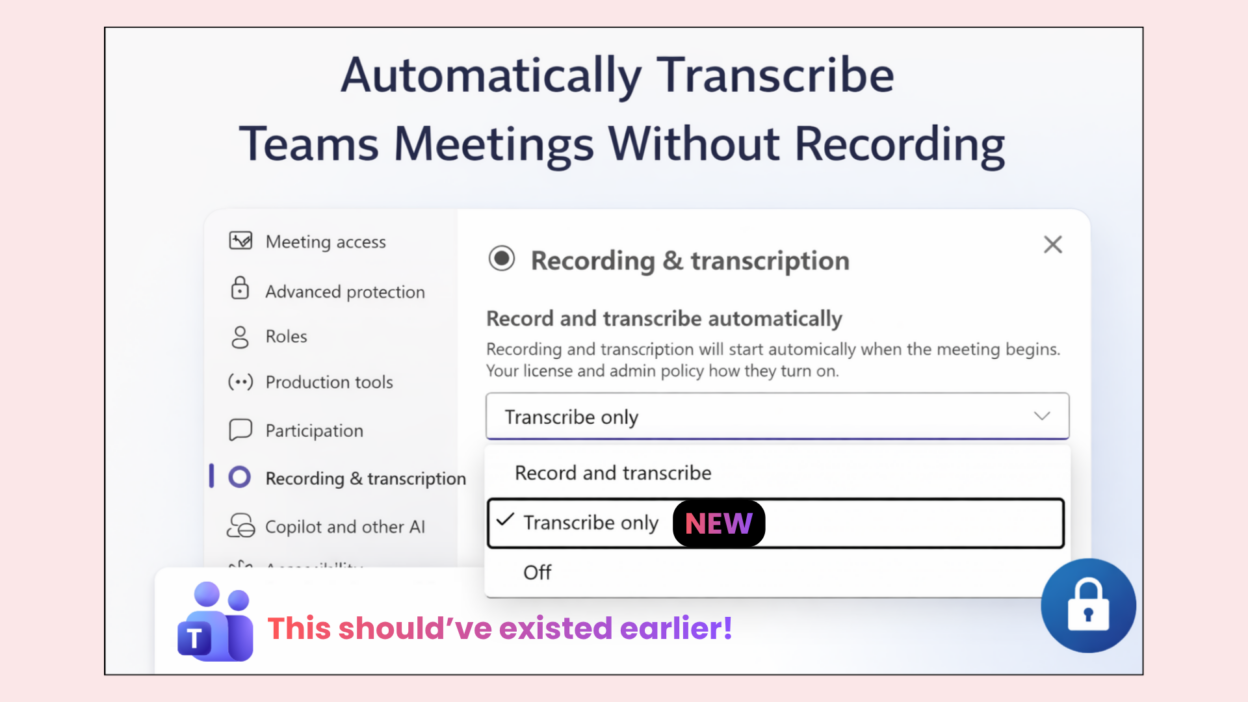
“We need transcripts for accessibility, but we can’t record these meetings.”
For the above question, there was no strong answer/solution. Because Teams has been forcing us to choose: transcription + recording together, or neither.
For regulated industries (finance, legal, healthcare), this creates an impossible dilemma:
- Enable transcripts for accessibility and AI insights, OR
- Disable both to protect sensitive client and patient data
It’s inflexible and frustrating. Now: 𝐌𝐢𝐜𝐫𝐨𝐬𝐨𝐟𝐭 𝐓𝐞𝐚𝐦𝐬 𝐢𝐬 𝐢𝐧𝐭𝐫𝐨𝐝𝐮𝐜𝐢𝐧𝐠 “𝐓𝐫𝐚𝐧𝐬𝐜𝐫𝐢𝐛𝐞 𝐨𝐧𝐥𝐲” 𝐨𝐩𝐭𝐢𝐨𝐧.
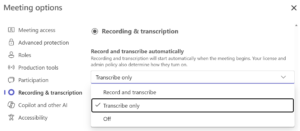
- ✓ Meeting organizers can auto-start transcription without creating a recording
- ✓ Still capture the full transcript for accessibility, Copilot insights, and Intelligent Recap
- ✓ No recording artifact stored, suitable for compliance-heavy environments
- ✓ Admins control access via AllowTranscription policy (assignable by group)
The technical beauty here is granularity. We don’t need to force a binary choice anymore. Transcripts and recordings are now separate levers.
Make sure transcription is enabled in meeting policies — otherwise, users won’t see this option.