
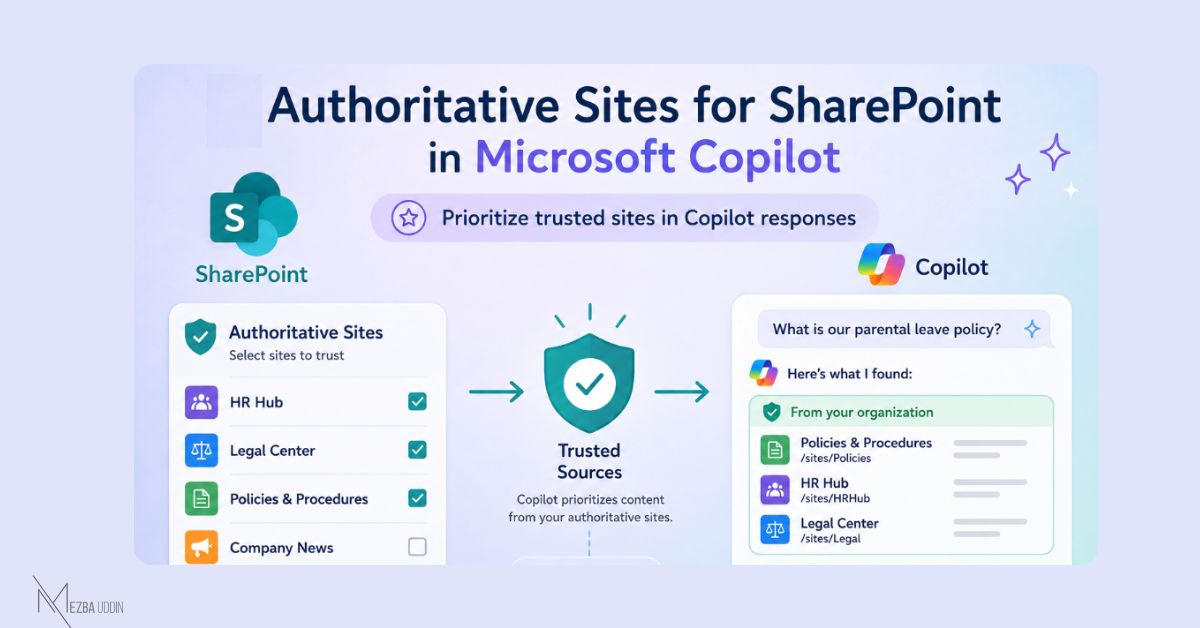
Admins can now mark selected SharePoint Online sites as trusted sources, allowing content from those sites to be prioritized in Microsoft Copilot Chat and Search.
The feature, called 𝐀𝐮𝐭𝐡𝐨𝐫𝐢𝐭𝐚𝐭𝐢𝐯𝐞 𝐒𝐢𝐭𝐞𝐬, gives organizations a way to influence which internal content Copilot surfaces first when answering user prompts.
- A Microsoft 365 Copilot license is required to use this.
- You can configure authoritative sites using the PowerShell command:
Set-SPOSite -Identity "<site URL>" -IsAuthoritative $true
- Users will also start seeing clearer indicators like “From your organization” in results, making trusted content easier to recognize.
Rollout timeline
• Public Preview: Mid-May to late May 2026
• General Availability: Mid-June to late June 2026
That’s an important distinction and a useful governance control as organizations begin treating AI-generated answers as part of everyday work.
Message ID: MC1310687