
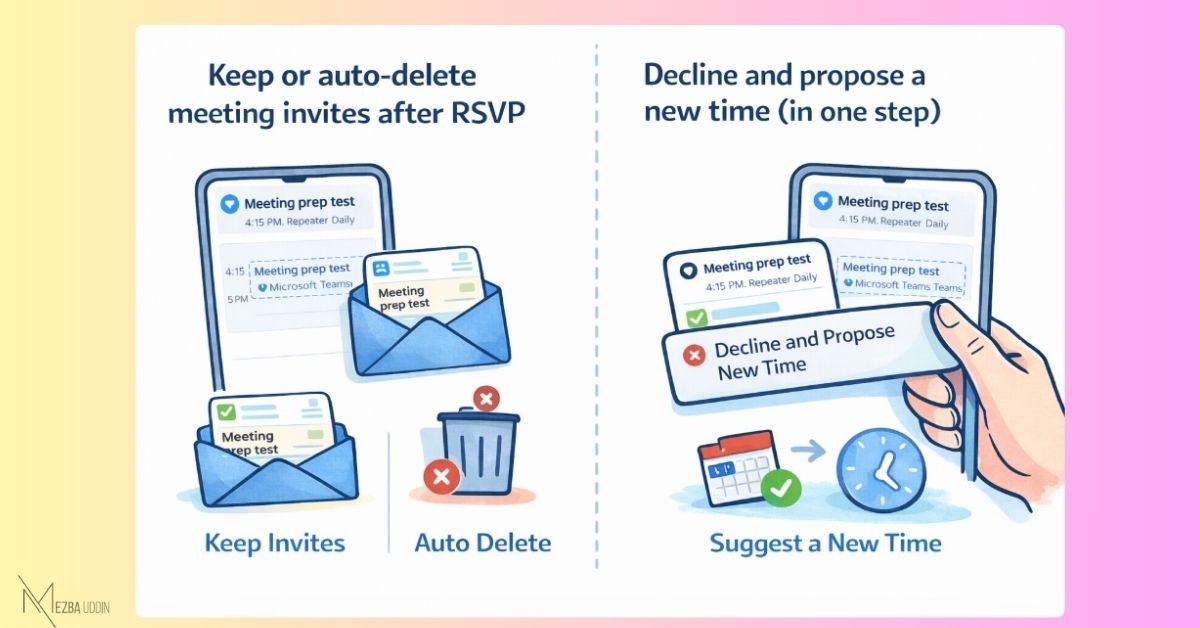
1. 𝐌𝐞𝐞𝐭𝐢𝐧𝐠 𝐢𝐧𝐯𝐢𝐭𝐞𝐬 𝐬𝐭𝐚𝐲𝐬 𝐢𝐧 𝐲𝐨𝐮𝐫 𝐢𝐧𝐛𝐨𝐱 𝐚𝐟𝐭𝐞𝐫 𝐑𝐒𝐕𝐏
Outlook Mobile has always deleted meeting invites once you respond.
Clean inbox — but you lose the invite if you need to refer back.
Now you can control this:
→ Keep invites after responding
→ Or keep the auto-delete (current default)
📍 Settings → Calendar → Delete invite after RSVP
The setting syncs across Outlook Mobile, Web, and the new Outlook desktop.
2. 𝐃𝐞𝐜𝐥𝐢𝐧𝐞 𝐚𝐧𝐝 𝐏𝐫𝐨𝐩𝐨𝐬𝐞 𝐍𝐞𝐰 𝐓𝐢𝐦𝐞 — 𝐢𝐧 𝐨𝐧𝐞 𝐚𝐜𝐭𝐢𝐨𝐧
Outlook Mobile is adding a combined option:
→ Decline and Propose New Time
Useful when you can’t make a slot but want to reschedule rather than just drop out. Makes intent clearer without extra back-and-forth.
📅 Rollout: Mid-April → Mid-May 2026