This isn’t a surprise move. It’s been coming for a while.
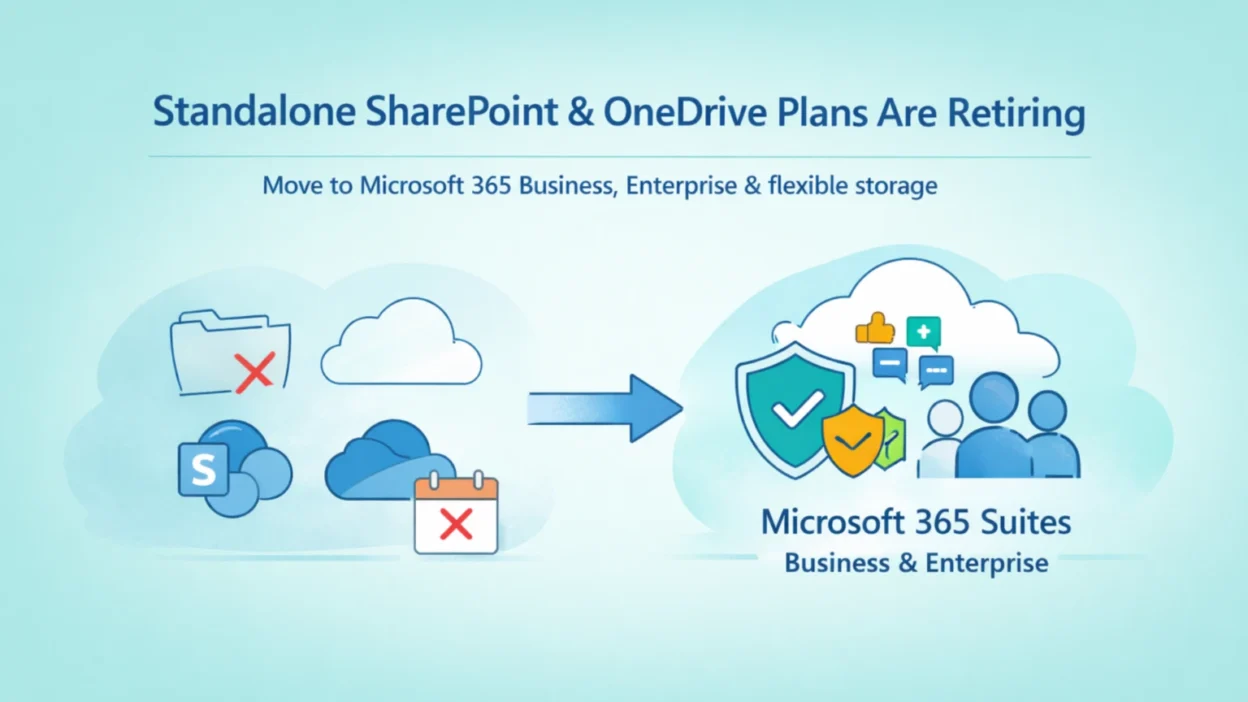
Standalone SharePoint and OneDrive plans were originally built as lightweight, lower-cost entry points for organisations that wanted file storage and basic collaboration without committing to a full Microsoft 365 suite. On paper, it made sense. In practice, things got messier. Many customers ended up using these plans in ways they were never intended for — patched into environments awkwardly, running alongside other licensing that overlapped in confusing ways, or simply sitting underused.
Microsoft’s direction has always been toward tighter integration: security, identity, collaboration, and storage working together as one experience. Standalone plans sit outside that vision. This retirement is simply Microsoft making that official.
Timeline of SharePoint Online & OneDrive Plans Retirement
Here are the key dates you need to know:
- January 28, 2026 – Official announcement: Microsoft communicates the retirement to customers and partners.
- May 31, 2026 – End of sale: No new tenants or customers can purchase these plans
- January 2027 – End of renewals: No renewals accepted. Existing contracts run until they expire.
- December 2029 – End of service: All standalone plans fully retired. Customers must have transitioned.
December 2029 may sound like plenty of time. But anyone who has been through an unplanned Microsoft migration knows how quickly that runway disappears — especially when you factor in procurement cycles, change management, data audits, and user training.
Why Microsoft Is Retiring Standalone SharePoint Online Plans in 2026
Three reasons, according to Microsoft directly:
Low customer demand for standalone offerings, an increasing number of unintended or non-standard usage patterns, and the higher operational cost of maintaining separate plan infrastructure.
Put simply, these plans cost more to run than the value they deliver — and the customers who genuinely need SharePoint or OneDrive are almost always better served by a full M365 suite anyway.
The replacement landscape isn’t a gap, it’s actually broader. Microsoft is introducing additional storage options, including capacity packs and pay-as-you-go storage to cover edge cases where a full suite might be overkill.
How to Prepare Your Business for the SharePoint Online Plan Retirement
- Audit your current licensing — identify which users or tenants are on standalone SPO or ODB plans today.
- Map those users to the right M365 Business or E3/E5 suite based on how they actually use the tools.
- Start conversations early — internal stakeholders, finance teams, and end users all need lead time.
- Consider whether any data needs to be archived, migrated, or restructured before transition.
- Work with your Microsoft partner to access updated Cloud Ascent guidance (available from late February 2026 onwards).
This isn’t Microsoft forcing an unwanted upgrade — it’s the natural end of a product that was always a partial solution. The organisations using SharePoint and OneDrive most effectively today are doing so through the integrated suite experience, not a standalone bolt-on.
Start the conversation now. Your future self — the one managing a deadline-driven migration in 2028 — will be grateful you did.