
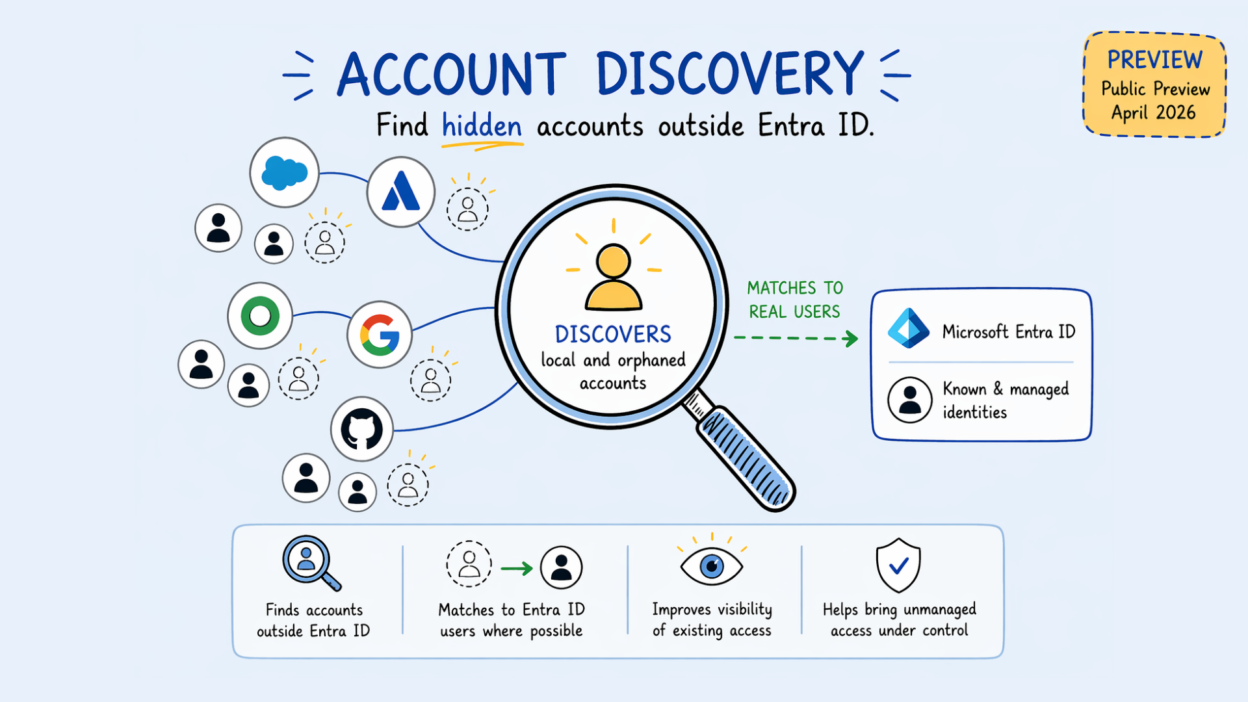
Most organizations don’t have a clean picture of who actually has access to their applications.
Accounts get created before provisioning is configured. When employees leave, their app accounts stay. Teams provision users through manual processes that bypass Entra ID entirely. Over time, these untracked accounts accumulate — and without a systematic way to surface them, they become blind spots in your identity governance posture.
Microsoft Entra ID Governance is addressing this directly with Account Discovery — now in Public Preview.
- Scans connected apps (Salesforce, Atlassian, SAP Cloud Identity Services) and retrieves every user account that exists in the target app.
- Classifies each account into three buckets:
- Local accounts — exist in the app, no match in Entra ID
- Unassigned users — matched to an Entra ID user, but not assigned to the enterprise application (outside provisioning scope)
- Assigned users — matched and fully managed by the provisioning service
- This classification gives administrators the visibility needed to decide whether each account should be governed, reviewed, or deprovisioned.
→ Currently supported for Salesforce, Atlassian, and SAP Cloud Identity Services onl, Workday, SAP SuccessFactors, ServiceNow, and AWS are not supported in this preview.
→ Requires Microsoft Entra ID Governance or Entra Suite licensing, an active provisioning configuration, and a direct matching attribute between Entra ID and the target app
For organizations that have been managing application access manually for years, this is a structured starting point to close those governance gaps without disrupting existing access. Worth exploring now if you’re already on Entra ID Governance.