
If you’ve ever been part of a merger, acquisition, or tenant split, it requires different tools, different workflows, and plenty of manual coordination.
Finally, finally, I am so happy that Microsoft is now addressing that!
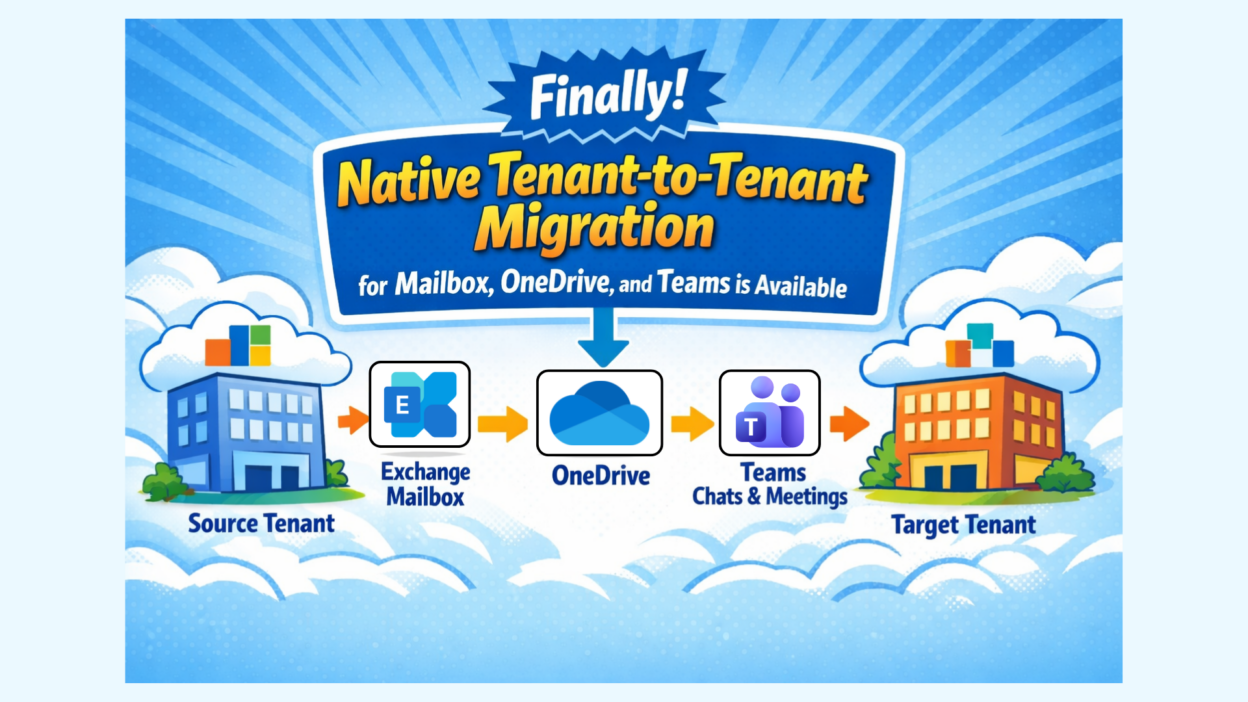
Microsoft is finally bringing order to tenant-to-tenant migrations with the new Tenant-to-Tenant Migration Orchestrator.
Currently in Preview, it provides a unified PowerShell Graph experience that lets you migrate key user workloads across Microsoft 365 tenants from a single, centralized workflow. From a single, consolidated experience, admins can migrate:
- Exchange mailboxes (emails, calendar, contacts, tasks)
- OneDrive files
- Teams chats and meetings
- Not in scope: Shared data like Teams, Channels, and SharePoint sites remain in the source tenant
License Requirements for Tenant-to-Tenant Migration:
- You need Microsoft 365 E3/E5 (or equivalent) in both the source and target tenant.
- A Cross-Tenant User Data Migration license add-on is required for each user whose mailbox or OneDrive you want to move. This license can be applied to either the source or target user.
It replaces multiple complex workflows with a single, orchestrated experience, handling dependencies automatically and using clear scoping and identity mapping to prevent accidental migrations. After reviewing multiple documents, these capabilities & limitations stood out clearly.
- This moves content, not identities; users must already exist in the target tenant
- The feature is opt-in — nothing happens unless you configure and run it
- Teams meetings won’t migrate without a successful mailbox migration.
- Shared content (Teams, Channels, SharePoint sites) is not included
- Mailboxes on legal hold won’t migrate.
- OneDrive migration has batch limits (shared with SharePoint).
It’s still in Preview, so expect refinements before GA, but direction-wise, this is a solid step toward proper, native Microsoft 365 tenant migrations.
More info here: https://learn.microsoft.com/en-in/microsoft-365/enterprise/migration-orchestrator-1-overview?view=o365-worldwide