
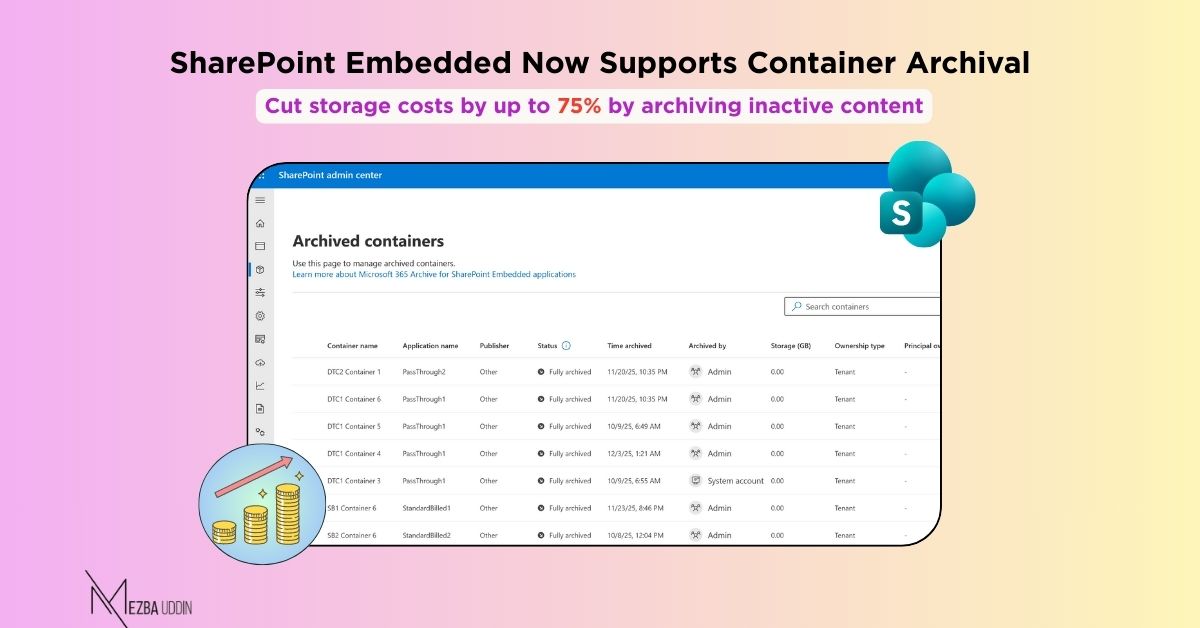
Starting February 2026, SharePoint Embedded applications will support container archival — a new capability designed to solve two common challenges at scale:
- Reduce storage costs by up to 75% by moving inactive containers to lower-cost storage tiers
- Improve Copilot search accuracy by prioritizing active, relevant content over outdated data
By default, archival is disabled, and admins must explicitly enable it.
–> For new container types: use 𝑵𝒆𝒘-𝑺𝑷𝑶𝑪𝒐𝒏𝒕𝒂𝒊𝒏𝒆𝒓𝑻𝒚𝒑𝒆 -𝑰𝒔𝑨𝒓𝒄𝒉𝒊𝒗𝒆𝑬𝒏𝒂𝒃𝒍𝒆𝒅
–> For existing container types: use 𝑺𝒆𝒕-𝑺𝑷𝑶𝑪𝒐𝒏𝒕𝒂𝒊𝒏𝒆𝒓𝑻𝒚𝒑𝒆 -𝑰𝒔𝑨𝒓𝒄𝒉𝒊𝒗𝒆𝑬𝒏𝒂𝒃𝒍𝒆𝒅
In addition to PowerShell, the SharePoint Admin Center will surface options to archive and reactivate containers, making it easier to manage container lifecycle directly from the UI alongside existing container management settings.
This capability is particularly valuable for organizations managing large volumes of project data, legacy content, or seasonal information that requires retention but doesn’t need active accessibility.