
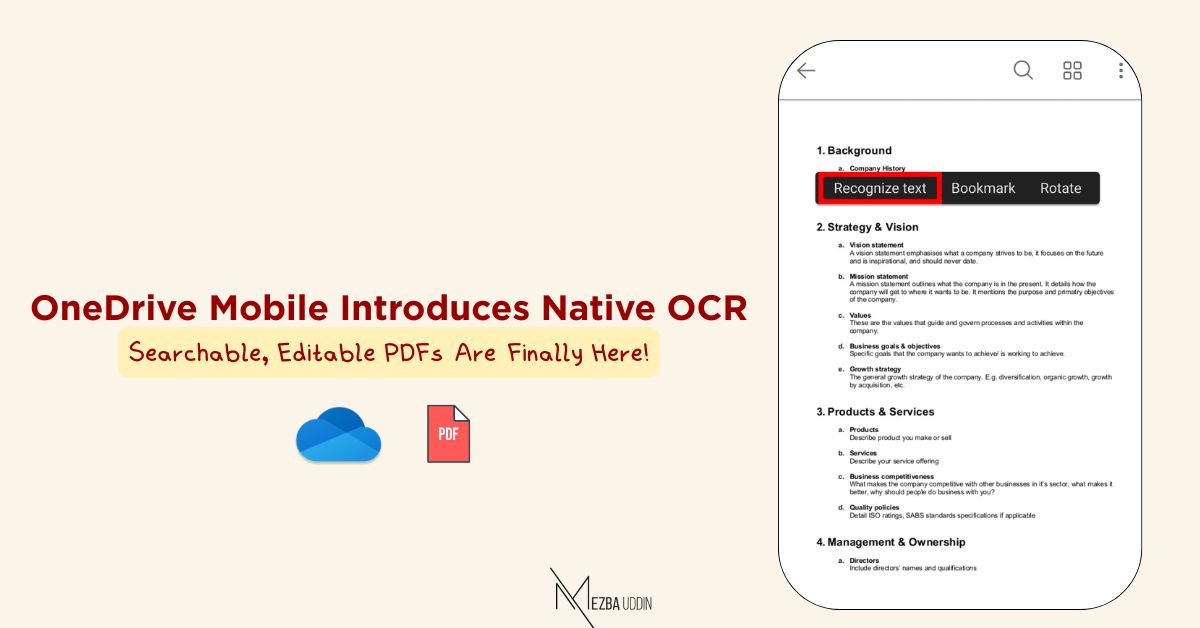
OneDrive & SharePoint just solved one of the BIGGEST user pain points: 𝒔𝒄𝒂𝒏𝒏𝒆𝒅 𝑷𝑫𝑭𝒔 𝒂𝒓𝒆 𝒏𝒐𝒘 𝒇𝒖𝒍𝒍𝒚 𝒔𝒆𝒂𝒓𝒄𝒉𝒂𝒃𝒍𝒆 𝒂𝒏𝒅 𝒆𝒅𝒊𝒕𝒂𝒃𝒍𝒆!
Microsoft is rolling out native Optical Character Recognition (OCR) in the OneDrive mobile app (iOS and Android), allowing users to recognize text inside scanned PDFs directly from their phone.
This means PDFs that were once static images can now be searched, selected, copied, and reused.
✅ This feature is enabled by default.
𝐑𝐨𝐥𝐥𝐨𝐮𝐭 𝐭𝐢𝐦𝐞𝐥𝐢𝐧𝐞:
Worldwide, GCC, GCCH Starts: Mid-December 2025
Completes: Late January 2026
𝐇𝐨𝐰 𝐮𝐬𝐞𝐫𝐬 𝐰𝐢𝐥𝐥 𝐮𝐬𝐞 𝐢𝐭:
1. Open OneDrive mobile app
2. Open a scanned PDF
3. Long-press on any page
4. Tap Recognize Text (iOS/Android)
5. After processing, you’ll see: “Text is now selectable.”
That’s it! The PDF becomes fully searchable and the text can be copied or reused anywhere.
Message ID: MC1192663