
Starting February 2026, Microsoft Teams is rolling out a simple but powerful update that addresses one of the most common frustrations: accidental message sends.
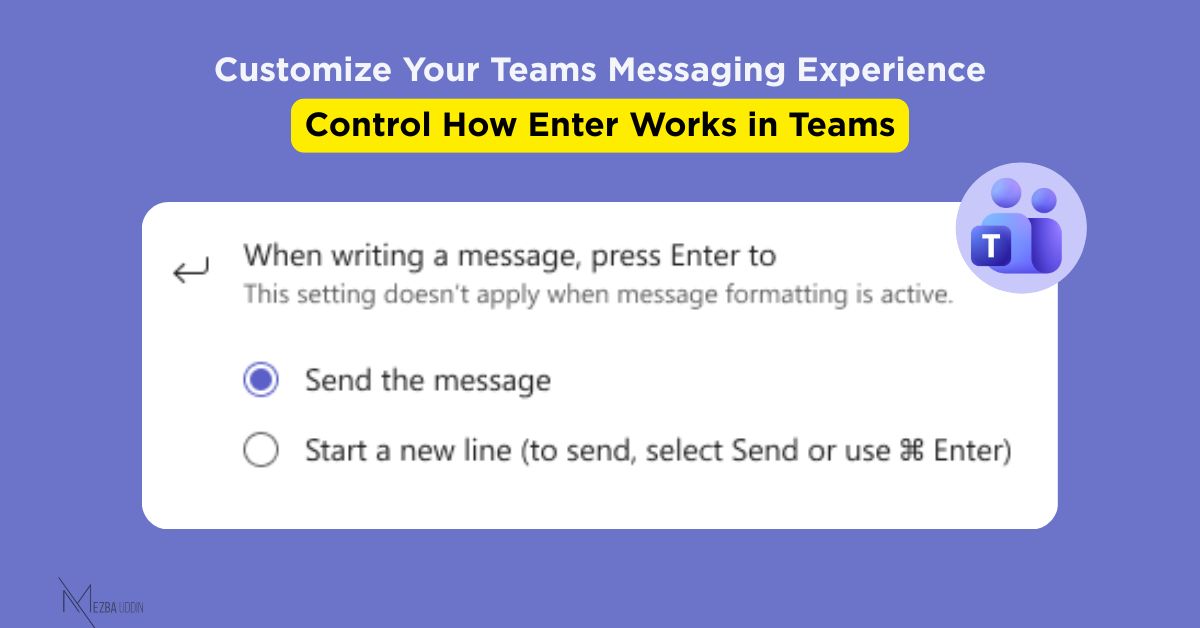
Teams will introduce a new per-user setting that lets you choose what happens when you press Enter while composing a message:
- 𝐎𝐩𝐭𝐢𝐨𝐧 1 (𝐃𝐞𝐟𝐚𝐮𝐥𝐭): 𝐏𝐫𝐞𝐬𝐬 𝐄𝐧𝐭𝐞𝐫 → 𝐒𝐞𝐧𝐝 𝐦𝐞𝐬𝐬𝐚𝐠𝐞
- 𝐎𝐩𝐭𝐢𝐨𝐧 2: 𝐏𝐫𝐞𝐬𝐬 𝐄𝐧𝐭𝐞𝐫 → 𝐍𝐞𝐰 𝐥𝐢𝐧𝐞 (𝐮𝐬𝐞 𝐂𝐭𝐫𝐥/𝐂𝐦𝐝 + 𝐄𝐧𝐭𝐞𝐫 𝐭𝐨 𝐬𝐞𝐧𝐝)
Note: Shift + Enter will always create a new line, regardless of your choice
𝑹𝒐𝒍𝒍𝒐𝒖𝒕 𝑻𝒊𝒎𝒆𝒍𝒊𝒏𝒆:
- Early February 2026: Targeted Release begins
- Mid-February 2026: General Availability (Worldwide, GCC)
- Early March 2026: GCCH and DoD environments
𝑨𝒑𝒑𝒍𝒊𝒆𝒔 𝒕𝒐: Desktop and Web versions
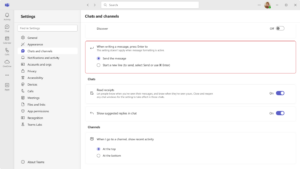
𝑺𝒆𝒕𝒕𝒊𝒏𝒈𝒔 𝒍𝒐𝒄𝒂𝒕𝒊𝒐𝒏: Settings > Chats and channels
Sometimes the best updates are the ones that remove small friction points we didn’t realize were slowing us down.