
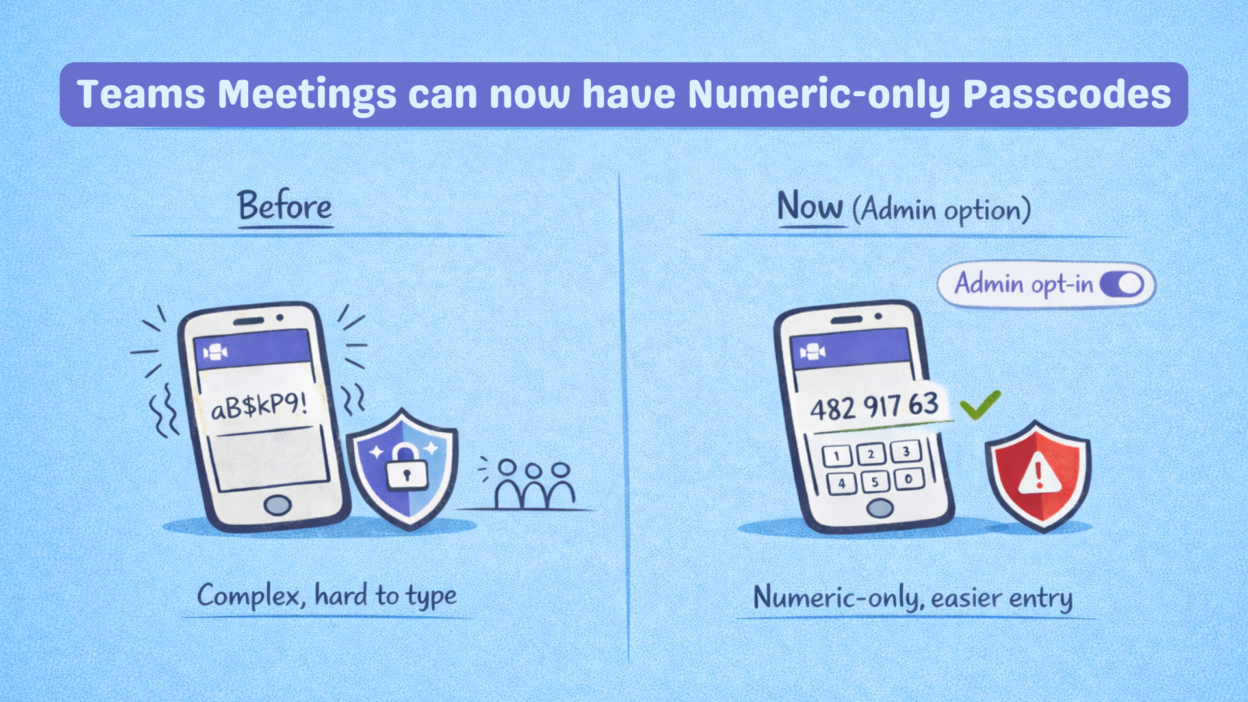
When the passcode is aB3$kP9!
And the whole lobby’s watching.
The current meeting passcodes include mixed characters, uppercase, lowercase, and symbols. It was great on paper but brutal in real life, especially on mobile devices or conference room kiosks.
Yeah. Microsoft noticed too.
From March 2026, Teams admins can switch to simple 8-digit numeric-only passcodes, instead of the complex default ones. PIN-style, fast, and actually typeable on any device.
But let me give you both sides, because this one is worth thinking about.
- → It’s off by default; admins must explicitly opt in
- → Microsoft shows a security warning before you enable it, they’re not hiding the tradeoff
- → Only applies to newly scheduled meetings; existing ones stay unchanged
- → You can scope it to specific users, groups, or the whole tenant.
- → All other security controls (lobby, admission policies, auth) are untouched.
Yes, numeric-only passcodes are weaker cryptographically. And if rate limiting or lockout on passcode attempts isn’t enforced in your deployment, these codes become far more guessable.
For orgs handling sensitive data or running external-facing meetings, this is a real risk, not just a theoretical one.
Don’t turn this on just because you can. Turn it on because you’ve reviewed your meeting security posture and decided the usability gain is worth the tradeoff for your specific org.