
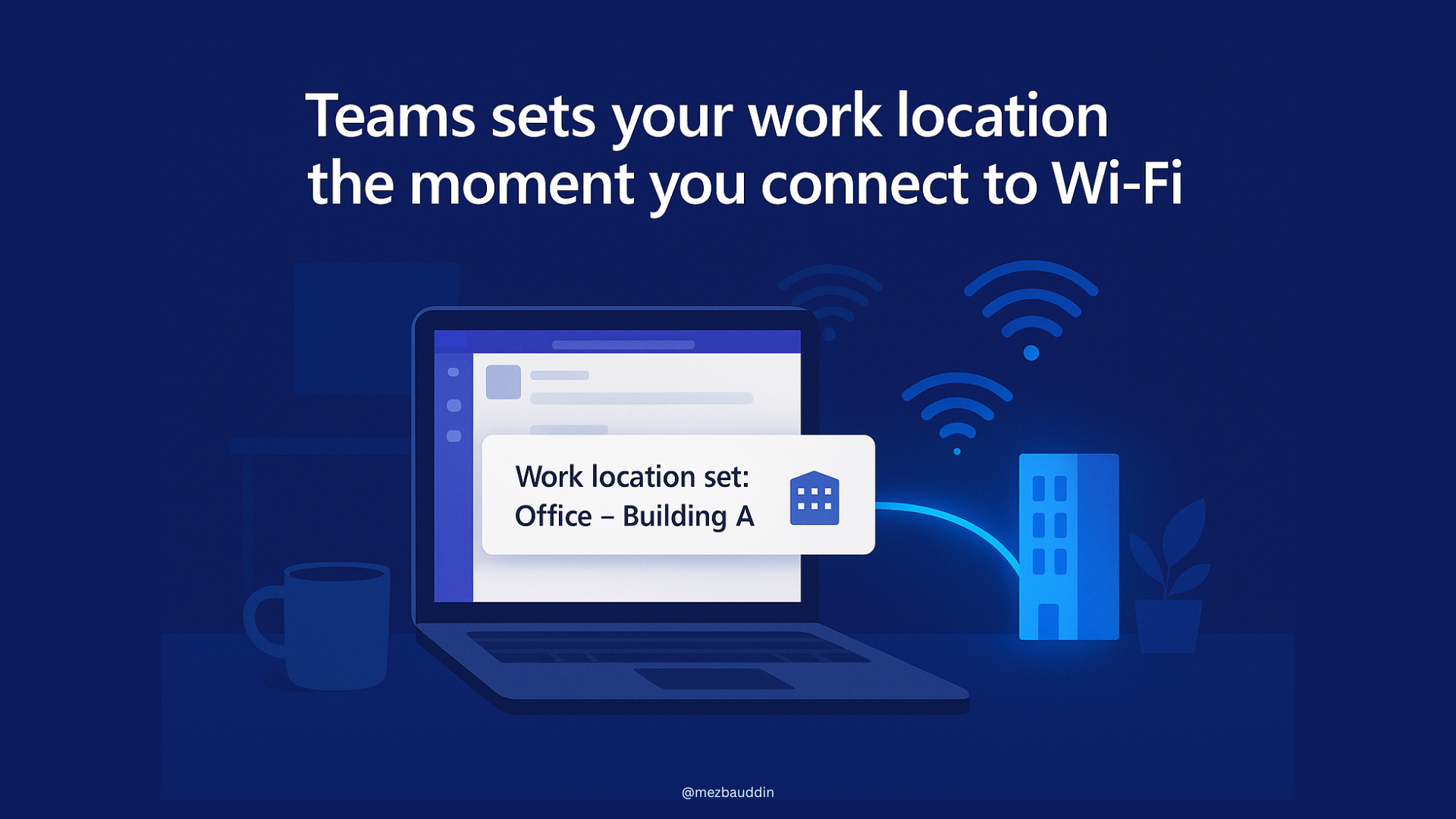
𝐌𝐢𝐜𝐫𝐨𝐬𝐨𝐟𝐭 𝐓𝐞𝐚𝐦𝐬 𝐰𝐢𝐥𝐥 𝐬𝐨𝐨𝐧 𝐚𝐮𝐭𝐨-𝐬𝐞𝐭 𝐲𝐨𝐮𝐫 𝐖𝐨𝐫𝐤 𝐋𝐨𝐜𝐚𝐭𝐢𝐨𝐧, 𝐣𝐮𝐬𝐭 𝐛𝐲 𝐜𝐨𝐧𝐧𝐞𝐜𝐭𝐢𝐧𝐠 𝐭𝐨 𝐖𝐢-𝐅𝐢
This one’s actually a smart, practical update, and I really like it.
Teams will automatically detect when you connect to your organization’s Wi-Fi or even office peripherals (like a monitor) and set your work location for you. This will start to happen from December 2025.
So no more manually switching between “office” and “remote” or forgetting to update it altogether. Teams takes care of it. 👌
- It’s opt-in and stays off by default, so privacy stays in your control.’
- Admins need to map Wi-Fi networks or devices to buildings, so when someone connects, their location automatically updates.
- It won’t change your status outside working hours (it respects your Outlook calendar).
Makes hybrid work coordination so much easier, everyone knows who’s in-office and who’s remote, without any effort.
A simple but thoughtful update! Good.